Managing your finances in China requires direct engagement with the official individual income tax app, known as 个人所得税 (Gèrén suǒdéshuì). The app is the centralized platform for viewing your PAYE (Pay-As-You-Earn) status and generating your tax payment certificate China, which is crucial for residence permit renewals and visa applications. If your records do not match your expectations, the responsibility rests on you to identify discrepancies with your employer and initiate the rectification process through the app’s internal feedback portal.
Setting up your account

To begin, download the official tax app from your local app store. You will need your passport details and your China mobile number, which must be registered with your bank. The easiest way to verify your identity is to link the app to your 支付宝 (Alipay) account or use the facial recognition feature provided. Once logged in, navigate to the personal information tab to ensure your tax residency status is marked correctly, as this determines your tax liability in China. The app interface is largely bilingual, but key documents will be in Chinese, so have a translation tool handy if your language skills are limited.
Verifying your monthly tax declaration
After logging in, navigate to the 'tax records' section to view your tax declaration China history. This data is fed directly from your employer’s filings. You should check this monthly to ensure the numbers align with your payslip. Pay close attention to the 'taxable income' versus 'gross income' fields. If you are eligible for specific tax deductions—such as rent, children’s education, or continuing education—ensure these are submitted in the 'special additional deductions' module. These deductions significantly lower your monthly tax burden and must be renewed annually in December.
Troubleshooting missing records
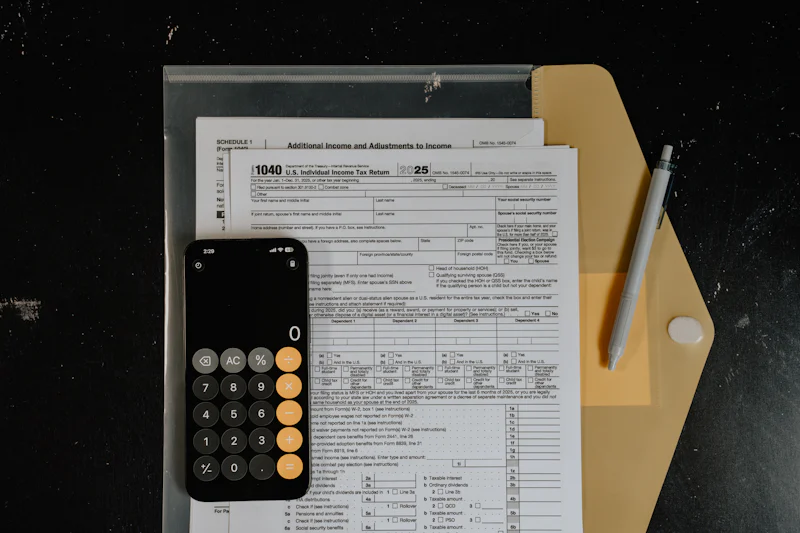
It is common for expats to find gaps in their tax history due to administrative lags or company errors. If you see missing data, first contact your company’s HR or payroll department. They are legally required to file on your behalf. If HR confirms they have filed, use the 'complaint' or 'feedback' button inside the tax app. You will need to provide your labor contract and bank statements showing salary deposits. The tax authorities usually respond within 15 working days. Never ignore a discrepancy, as missing tax records can trigger an audit or create complications when you apply for a visa at the Public Security Bureau.
Generating your official tax certificate
When you need to prove your tax status for a visa or a mortgage application, the app allows you to download an official tax payment certificate China. Go to the 'certificate' section, select the desired date range, and click 'generate.' The app will create a PDF document with an official red seal, or 红章 (hóngzhāng), which is recognized by all government departments. You can print this directly. Ensure the document includes your full name, passport number, and the official seal, as photocopies without the digital verification seal are rarely accepted.
Maintaining an accurate digital record of your income tax is the single most important step in ensuring your legal compliance and administrative ease while working in China.
What is the most challenging part of navigating the Chinese tax system you have encountered so far?
Quick Takeaways:
- Link your app to 支付宝 (Alipay) for the fastest identity verification process.
- Check your monthly tax filings regularly to identify and report any missing data.
- Submit special additional deductions in December to lower your annual tax liability.
- Use the app to generate official tax certificates with a digital red seal.
#workandbiz #chinatax #expattips
