If you need a reliable internet connection in China, stop using traditional VPN protocols and switch to an IEPL (International Enterprise Private Lease) service. While standard VPNs rely on public internet tunnels that are easily detected and throttled by the 防火长城 (Great Firewall), IEPL connections use private, dedicated fiber-optic lines that bypass public congestion. This technology provides a direct, low-latency path that is significantly less susceptible to the periodic blocks that typically take down consumer-grade VPNs during politically sensitive periods or high-traffic events.
Why IEPL Outperforms Standard VPNs
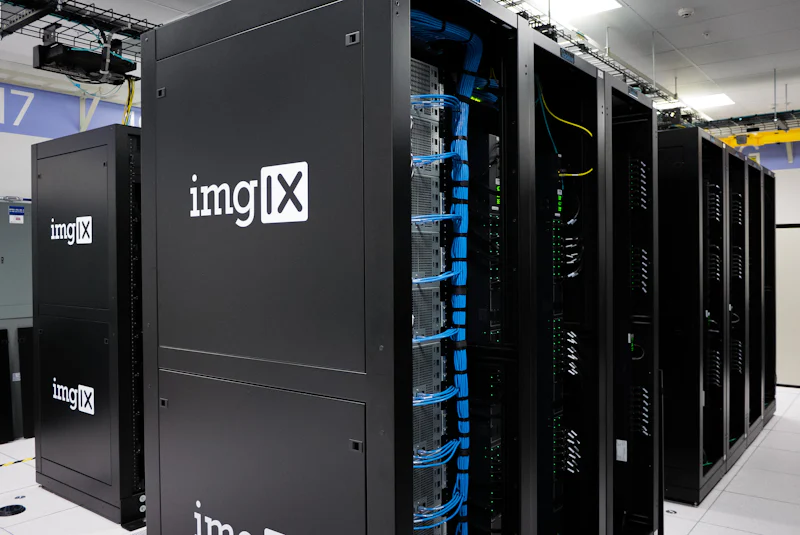
Standard VPNs use common protocols like OpenVPN or WireGuard, which carry digital fingerprints easily recognized by deep packet inspection. When you connect, the firewall can identify the encrypted traffic and drop the packets. Conversely, IEPL services act as a private tunnel between your device and a server, often operating without standard VPN handshakes. Because these circuits are technically leased lines, they exhibit the stability of a business-grade connection. You will notice that speed drops are rare, and the connection remains persistent throughout the day, even during the evening hours when residential bandwidth in China becomes congested.
Essential Software for IEPL Usage
To utilize an IEPL provider, you typically need a proxy client rather than a traditional VPN app. Clash for Windows or Clash Verge are the industry standards for managing these configurations. These clients allow you to import a subscription link provided by your service, which automatically updates the list of available exit nodes. Once configured, you can set the software to 'Rule Mode,' which uses a 分流 (traffic splitting) system. This is a critical feature: it forces international traffic (like Google or Gmail) through your private IEPL tunnel while keeping domestic traffic (like 微信 (WeChat) or 淘宝 (Taobao)) on your local ISP network. This ensures your local apps remain fast and your Chinese accounts stay secure.
Selection Criteria for Providers
When looking for a provider, look for services that explicitly mention IPLC (International Private Leased Circuit) or IEPL nodes. Avoid services that advertise 'unlimited' bandwidth as their main selling point; high-quality IEPL infrastructure is expensive to maintain, and dirt-cheap providers often oversell their capacity, leading to latency spikes during peak hours. Check if they offer a 'reset' policy or a clear monthly data quota, usually ranging from 100GB to 500GB. A reputable provider will also offer multiple exit nodes—such as Hong Kong, Japan, or Singapore—allowing you to switch to a different route if one particular server is undergoing maintenance.
Avoiding Common Connectivity Pitfalls
Even with an IEPL connection, your experience can be hampered by local settings. Ensure that your system time is accurately synced with Beijing Time (CST), as desynchronization can cause authentication failures with proxy clients. Additionally, if you are using an Android phone, disable the 'battery optimization' feature for your proxy app, as the system will frequently kill background processes, leading to intermittent disconnections. If you experience total failure, first toggle your 'Global Mode' in Clash to see if the issue is with the routing rules, then verify that your subscription URL is still valid.
Switching to an IEPL-based proxy via a dedicated client like Clash is the most effective way to ensure a stable and consistent connection to the global internet while living in China. What has been your experience with finding stable nodes during major Chinese holidays when the network is often under heavier scrutiny?
Quick Takeaways:
- Use IEPL or IPLC connections to bypass standard VPN detection and throttling.
- Implement Clash for Windows to handle intelligent traffic routing for better local speeds.
- Ensure your proxy client is set to rule mode to avoid latency issues.
- Disable battery optimization settings to keep your connection active in the background.
#expatchina #techguide #internetaccess