Receiving a Z-visa application photo rejection is frustrating, but it does not mean your entire application has been invalidated or that you need to restart the process from scratch. The Chinese consulate often uses automated systems to verify biometric data, meaning that even minor discrepancies—like wearing jewelry or wearing a top that clashes with the required background—will trigger an immediate red flag. By understanding the specific technical parameters of the visa photo requirements, you can replace the image file in your system or provide a physical correction without abandoning your progress.
Understanding Automated Rejection Triggers
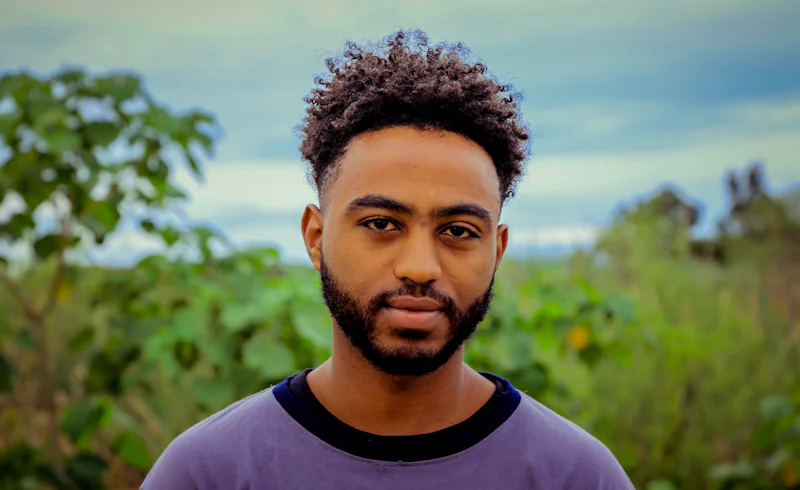
The most common cause for a Z-visa application photo rejection is non-compliance with the strictly enforced aesthetic rules. Consulates require a professional-grade photo that is 33mm by 48mm. If you are wearing any jewelry, such as earrings, necklaces, or even noticeable piercings, the automated scanner may flag these as obstructions or light-reflectors. Furthermore, the background must be plain white; shadows or grey tints are frequently rejected. Your clothing should also contrast clearly with the white background, so avoid wearing white or light-colored shirts that might make your shoulders blend into the frame. The goal of the system is to ensure facial recognition software can map your features without interference from accessories or light imbalances.
Fixing the Image Without Resetting the Application
If you have already uploaded your application through the official visa website, do not panic and create a new account. In many jurisdictions, you can use the 'Correction' or 'Update' function to replace just the faulty document. When preparing your new photo, use a tool like 照片回执 (Photo Receipt) if you are currently in China, or a professional photo service that explicitly caters to Chinese consulate standards. If the consulate has already processed your physical documents and requested a new photo, bring a high-quality physical copy to the visa center. Always ensure the file size remains between 40KB and 120KB, as files outside this range often result in silent system errors rather than clear error messages.
Professional Tips for Consulate Compliance
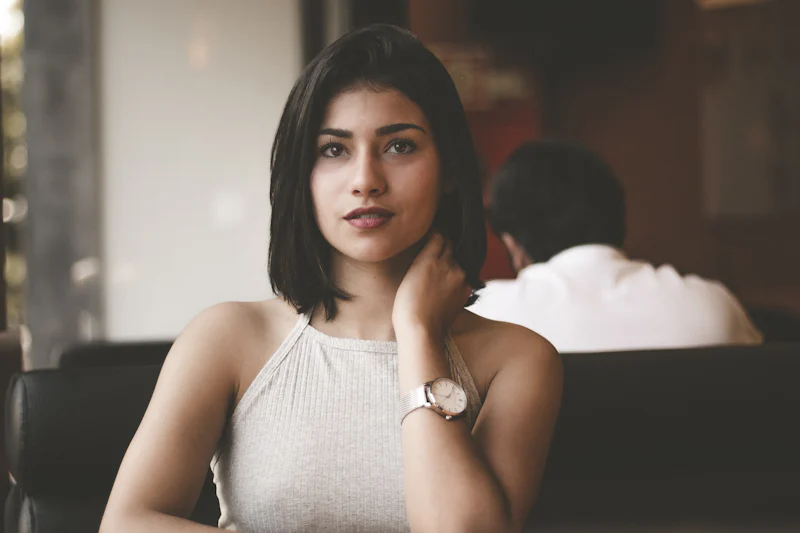
When visiting a photo studio, explicitly tell the technician that the photo is for a 'China Z-visa.' These studios often have access to a database of regional consulate specifications. Specifically, ensure your ears are visible, your hair is pulled back, and your eyebrows are not covered by bangs. In China, you can often find kiosks located near 出入境管理局 (Entry and Exit Administration) offices that provide instant, government-verified prints. These prints come with a unique code that proves the photo has been scanned against official standards, which effectively eliminates the risk of future rejection due to lighting or alignment issues.
Verification Before Final Submission
Before you hit the submit button, manually check the file against the consulate’s provided visual checklist. Look for the 'shadow test'—if you see a dark outline behind your head, the photo will likely be rejected for poor lighting. If you are applying from abroad, use a white wall in a room with natural, non-directional light to minimize bounce-back glare. Remember that the consulate staff looks for consistency, so ensure your appearance in the photo matches how you will appear when you arrive at the border control point.
Consistency in your appearance between your photo and your arrival ensures that the border agent can verify your identity without delay.
Has your visa application ever been stalled by a technicality, and if so, how long did it take to resolve?
Quick Takeaways:
- Ensure your photo dimensions are exactly 33mm by 48mm to meet standard consulate requirements.
- Remove all jewelry and accessories to prevent the automated scanning system from flagging interference.
- Use a plain white background without shadows to ensure high-contrast facial recognition software performance.
- Verify file sizes between 40KB and 120KB to avoid automated system submission errors.
#visatips #chinaexpats #zvisa