Fixing an Ethernet connection on a Windows 11 machine installed in China often requires manually installing hardware-specific drivers because the local language version of the operating system may default to generic drivers that do not communicate correctly with your specific network interface card. The most reliable way to resolve these internet connection problems is to download the correct driver from the manufacturer’s website using a mobile device or a secondary computer and manually update the adapter settings within the Device Manager interface.
Identifying Network Adapter Hardware
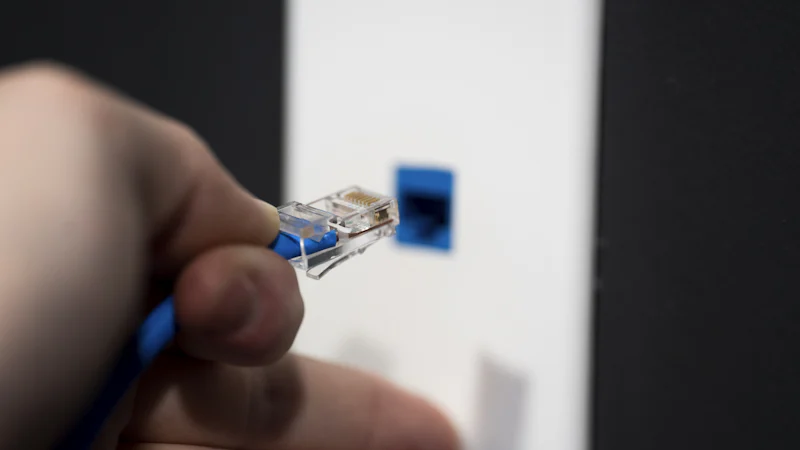
To fix your connection, you must first identify the exact hardware inside your machine. Right-click the Start button and select 'Device Manager'. Look for 'Network adapters'. If you see a yellow exclamation mark, your system is missing the required driver. Use your mobile device to search for your laptop or motherboard model number along with the keyword 'drivers'. Many manufacturers, such as Lenovo or Dell, have localized Chinese sites, but you can typically find the English version of the driver by visiting the manufacturer’s global support page to ensure full compatibility with your Windows 11 installation.
Transferring Files via USB
Since you lack an internet connection on your primary machine, you will need a USB drive to move the downloaded driver file. Ensure the driver package is a self-extracting executable or an .inf file format. Once you plug the USB drive into your Windows 11 computer, copy the file to your desktop. Avoid running the setup directly from the USB drive to prevent potential permission errors or file path limitations that can occur during the installation process in the localized *系统 (xìtǒng - operating system) environment.
Updating the Network Driver
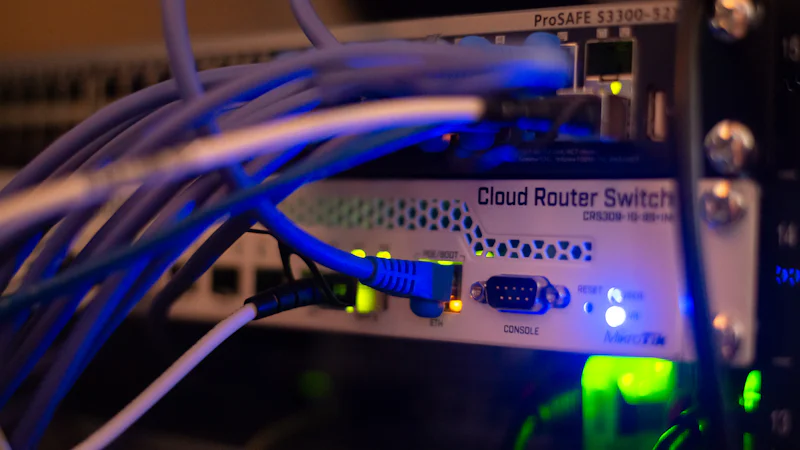
Navigate back to the Device Manager. Right-click the network adapter with the exclamation mark and select 'Update driver'. Choose 'Browse my computer for drivers' rather than the automatic search option. Point the installer to the folder where you saved the downloaded file. Windows will then replace the incompatible driver with the correct version. You may need to restart your computer to finalize the network handshake. If you encounter a 'Digital Signature' error, ensure your BIOS settings allow for non-official driver installations, a common hurdle when setting up hardware purchased within the domestic Chinese market.
Addressing ISP Configuration
Sometimes the hardware driver is functional, but the local *宽带 (kuāndài-dài - broadband) connection still fails. In China, many Internet Service Providers require a PPPoE authentication method, even if you are on a home Ethernet connection. Go to 'Settings' > 'Network & internet' > 'Dial-up' and select 'Set up a new connection'. Enter the username and password provided by your service provider during your initial *安装 (ānzhuāng - installation) service visit. If your router handles the authentication, ensure your computer is set to 'Obtain an IP address automatically' under the Ethernet properties settings to avoid conflict with the local router’s DHCP server.
Properly managing your driver installation is essential for maintaining a stable network connection when transitioning between localized and international software environments. Have you found a specific network adapter brand that consistently causes driver compatibility issues when using a fresh Windows install in China?
Quick Takeaways:
- Use a second device to download hardware-specific network drivers from the manufacturer’s website.
- Manually point Windows Device Manager to your downloaded file to force a driver update.
- Check if your ISP requires PPPoE authentication settings configured directly within your Windows settings.
- Disable automatic driver updates temporarily to prevent Windows from reverting to incorrect generic drivers.
#windows11 #chinaexpat #techsupport