Registering for the Individual Income Tax (IIT) app in China is a mandatory step for expatriates to ensure tax compliance, verify annual income statements, and facilitate legitimate international transfers of salary abroad. While the process has moved largely online, the initial authentication often requires a one-time visit to the local tax bureau. This guide outlines the documentation and steps required to link your passport details to your tax profile so you can manage your tax filings and generate the necessary tax clearance records for banking purposes.
Preparing Your Documentation
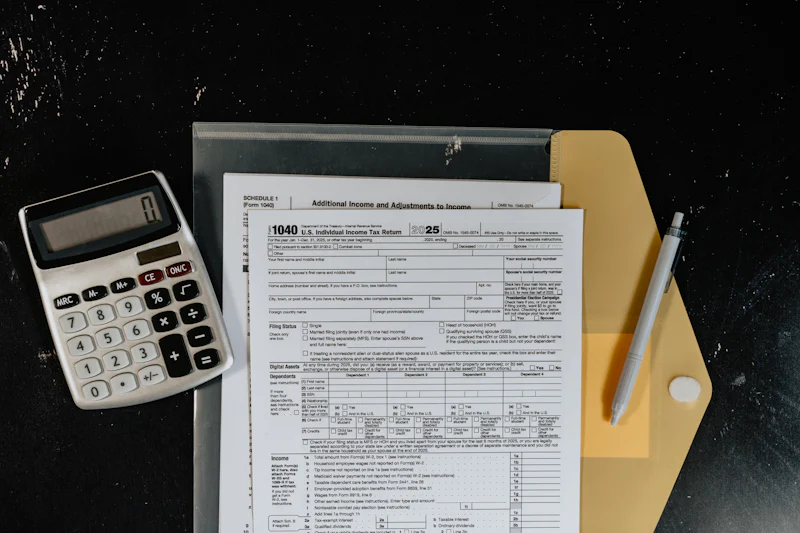
Before heading to the tax bureau, organize your materials to avoid multiple trips. Ensure all your documents are originals, and carry at least two sets of photocopies. You will need your current, valid passport with a residence permit sticker. If you have changed passports since your initial employment registration, bring your old passport as well to reconcile your tax records under a single identifier.
You must also bring your Tax Identification Number (TIN), which can usually be obtained from your company’s HR department or found on your monthly tax payment statements. Additionally, bring your employment contract, as the tax bureau may request proof of your current employment status to verify your income source. If you are handling taxes for yourself, ensure you have an active Chinese mobile number registered under your own name, as the tax app verification process relies heavily on SMS authentication tied to your real-name verified telecom account.
Step-by-Step Registration Process
First, download the official Individual Income Tax app from the State Taxation Administration. Attempt the registration using your passport information. If the system fails to recognize your details—which is common for many expatriates—this indicates that your information needs to be manually synchronized in the bureau’s internal database.
Upon arrival at the tax bureau, request the form for "Individual Income Tax System Registration." The officer will input your passport data and link your tax records to your personal identity. Once this is completed, you can use the facial recognition feature within the app to finalize your profile. If you intend to use the app for international transfers, you must also request the 'Tax Clearance Certificate' or 'Record of Income Tax Payment' for each year you intend to transfer funds. These documents are generated directly within the app once your account is fully synced, but you should verify that your personal details match exactly what is on file at the tax office.
Common Pitfalls and Troubleshooting
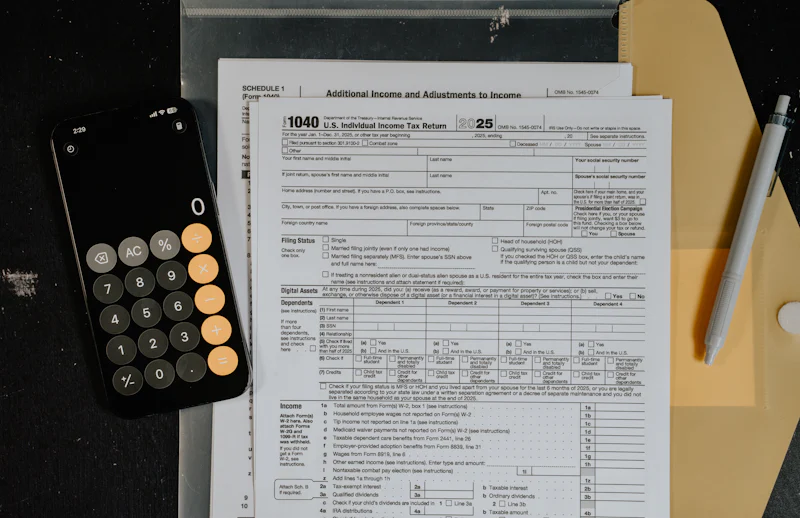
One common issue is the discrepancy between the name on your passport and the name stored in the tax system. Ensure your name format (e.g., Surname first or Given Name first) is exactly as it appears in the system to avoid lockout errors. Another hurdle is the 'Real-Name' verification. If the app fails to verify your face, it is likely because your photo on the residence permit is outdated or the scan quality is poor. In this case, you must request an 'Offline Verification' at the bureau.
Finally, for those managing international transfers, be aware that the tax bureau can only issue certificates for tax that has been successfully declared and paid. If your employer has been paying your tax, ensure they have submitted the annual reconciliation before you attempt to pull your records for bank verification. Processing this data usually takes 3-5 business days after your visit if the records were previously fragmented.
Managing International Transfers
When you go to the bank to remit salary, they will require the printed tax certificates from the app to prove that your money has been taxed. The bank will often perform a random check against the digital records in the government system, so do not attempt to alter the PDF output from the app. Keep a digital folder of these receipts for at least five years, as tax audits can occur retroactively.
Is there a specific tax bureau office in your city that you found to be particularly efficient or helpful for foreign residents?
Quick Takeaways:
- Always carry original passport and recent residence permit documents
- Ensure your Chinese mobile number is registered under your real name
- Request physical tax payment records if the app shows discrepancies
- Always verify your name format matches government records exactly
- Prepare for a 3-5 day synchronization period after initial setup
#visatips #expatchina #livingabroad
