To resolve SIM card issues in Beijing effectively, always head to a main branch service center for China Mobile (中国移动) instead of smaller street-corner outlets. While local kiosks are convenient for top-ups, they often lack the authorization to handle complex account issues for foreigners. The primary trick to resolving data plan issues or service blocks is to bring both your physical passport and your 外籍护照 (Foreign Passport), along with the specific SIM card you are using. Service center staff at major branches are more familiar with the documentation requirements needed to bypass identity verification hurdles that frequently stall service for expats.
Locate the Correct Service Center

Not all retail locations are created equal. You should look for the flagship 营业厅 (Yingyeting - Business Hall) in your district. Use the 支付宝 (Alipay) app to search for nearby China Mobile service centers, but prioritize those labeled as 'General Service' or 'Main Branch.' Smaller shops are often third-party vendors that cannot update your registration details or modify high-level contract settings. When you arrive, use the touch-screen kiosk to pull a ticket; choose the 'Foreigner' or 'International' service option if available, as this puts you in a queue with English-speaking staff or clerks experienced in handling passport-based activation.
Prepare Your Documentation
Even if you have been a customer for years, the system periodically requires a re-verification of your identity. You must have your original passport in hand. Do not attempt to use a scanned copy or a digital photo. If your SIM card was originally registered under an old passport number that has since been updated, bring both the old and new passports to prove the continuity of your identity. Without this, the system will not allow the staff to lift restrictions on your mobile internet. If your plan is a corporate account, you will also need an official letter of authorization from your company, stamped with the 公章 (Gongzhang - Company Seal).
Troubleshoot Mobile Internet Failures
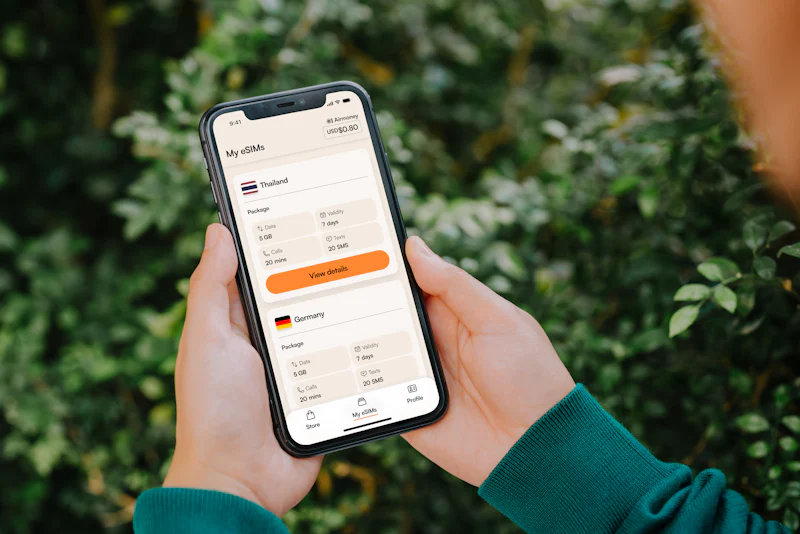
If you find your mobile data is suddenly unusable, check your 'APN' (Access Point Name) settings before trekking to a store. For China Mobile, ensure the APN is set to 'cmnet.' Sometimes, system updates reset these settings automatically. If the settings are correct, you might have hit a hidden data cap. Check your usage via the official China Mobile app. If your data is exhausted, you can purchase a 流量包 (Liuliangbao - Data Package) directly within the app using your linked bank card. If you are unable to access the app due to a lack of data, use the public Wi-Fi available at most metro stations to download the latest usage updates.
Avoid Common Account Locks
Many foreigners encounter a 'blocked' status because their SIM card registration information is incomplete or missing a valid residence permit entry. If you have recently renewed your visa, you must visit a service center to update your details in the China Mobile database. This is a common requirement for expats. If you fail to update these records, the system may automatically suspend your service after a certain period of time. Always ask the representative to confirm that your 'real-name registration' status is 'Active' and matches your current passport expiration date.
Managing telecom services in China requires proactive verification of your documentation at the official main branches rather than relying on secondary retail outlets. Have you encountered any specific errors while trying to update your registration details at a China Mobile office in the last year?
Quick Takeaways:
- Always visit a main flagship service center rather than small third-party mobile kiosks.
- Carry your original passport and any previous versions if your ID has changed recently.
- Check your APN settings to 'cmnet' if your data connectivity stops working unexpectedly.
- Verify your real-name registration status whenever you renew your visa or residence permit.
#chinamobile #beijingexpat #simcardhelp